Contact : info@obduino.ca
| Home | Configuration | Logging | Hardware |
 |
  |
Availability : I have a few units in stock (end of May 2024 as of this writing), with a white background/black characters LCD. Each unit comes assembled and tested, with an OBDII cable. Price is CA$60, shipping is between $15 (in Canada) and $25 (worldwide) depending on destination country and availability of tracking ($$$). Send me an email at info@obduino.ca if you want more info.
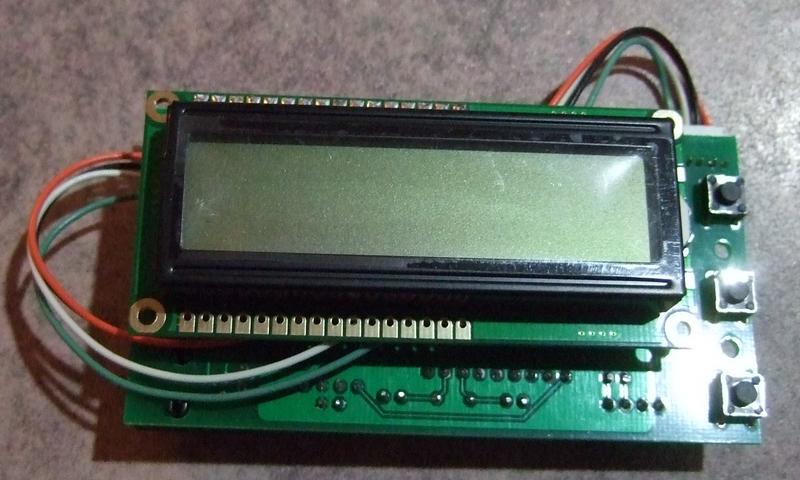
OBDuino is an electronic gauge that connects to the OBD-II plug of your 2008+ car (see below), and displays various information like RPM of the engine, speed, etc as well as detailled fuel consumption (gas mileage).
I released the ISO version of the OBDuino under GPL, it's hosted on the github service site here: OBDuino.
You can buy it here!
So far it has been tested on:
OK: 2007+ Hyundai Elantra, 2009 Hyundai Sonata (I4), 2012 Hyundai Accent/Elantra/Sonata/Veloster/Genesis/Equus, 2008 Saturn Vue (I4), 2006+ Chevrolet Cobalt/Pontiac G5, 2006+ Honda Civic, 2008 Dodge Caravan, 2009 Dodge Grand Caravan, 2008 Dodge Avenger SXT, 2010 BMW 335, 2010 Honda Pilot, 2009 Porsche 911, 2010 Ford Flex, 2010 Ford Fusion V6 3.5L, 2004 Mazda RX8, 2007 Suzuki SX4, 2011 Volkswagen Jetta 2.5L, 2012 BMW 320 Diesel, 2006 Toyota FJ Cruiser
Not OK : Jeep Patriot 2008, Hyundai Elantra Touring 2012 (not sure for previous years, may be fixed but untested)
It is sometimes hard to know if your car supports CAN bus protocol or not, surfing the web I found information on:
2003+ Ford, Mazda, GM
2004+ Chrysler, Lexus, Toyota, Volvo
2005+ Audi, Mercedes
2006+ Honda, Saab, Mitsubishi, Volkswagen
2007+ BMW, Subaru, Hyundai
It may or not work if your car is 2007- but all 2008+ cars sold in North America shall support it.
For European market cars (Renault, Peugeot, Citroën, Fiat, Seat, Skoda, Alfa Romeo, Lancia, etc.) this link can give you some information : List of OBD2 compatible vehicles - OutilsOBDFacile, check for CAN in the protocol columm. Even then some cars support CAN but offer about nothing about the ECU, no MAF/MAP info,etc. so fuel consumption does not work.
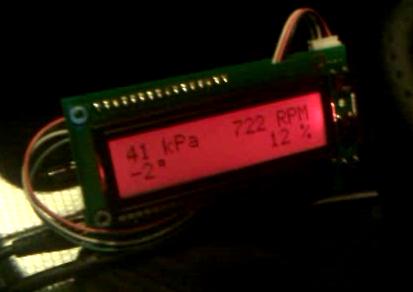
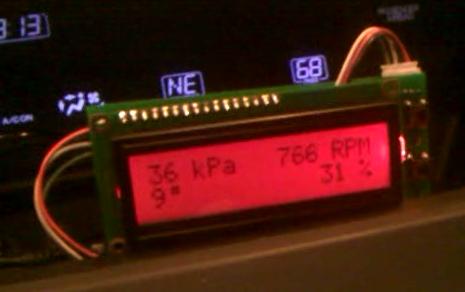
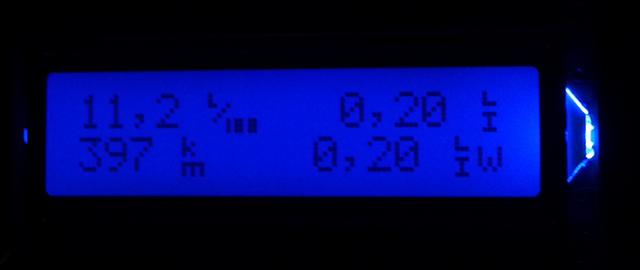
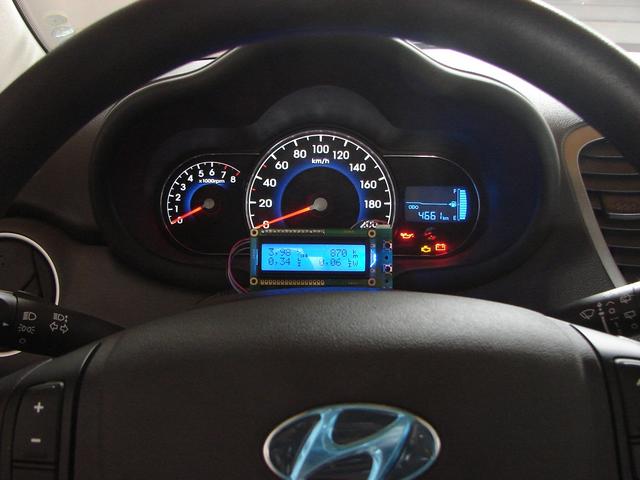
Here is a unit running in a 2010 BMW 335i (USA), (the same unit) a 2010 Honda Pilot (USA) ; a 2006 Ford Fiesta 1.4i (Spain), a 2011 Hyundai i10 1.2i (Argentina).
Go on the OBDuino YouTube channel to see some videos of the device running on cars.
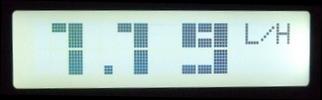
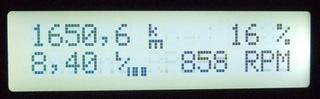
Here is various screenshots of almost everything you can see on the screen.
| Metric | Imperial |
|---|---|
| Instant cons: At idle so it displays per hour, when a certain speed is reached, display change to L/100 |
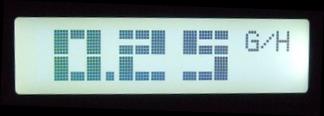 |
| Average cons: The car has not moved yet so it displays the maximum, if it's less than 10.0 it will display 2 decimals e.g. 6.57 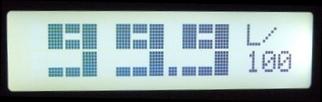 |
If it's greater than 99.9 it will remove the decimal e.g. 123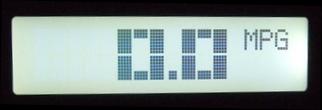 |
Screen 1: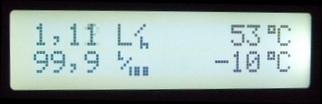 |
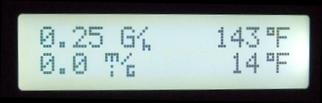 |
| Screen 2: When you change screen, the two lefts PIDs and description are showned for a second, followed by the 2 rigths ones. 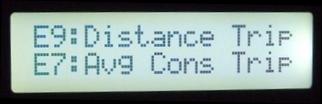 |
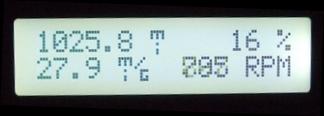 |
Screen 3: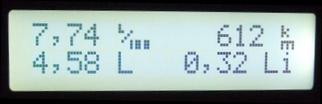 |
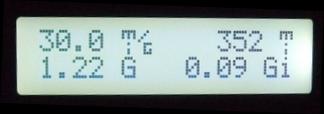 |
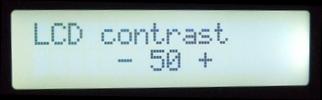
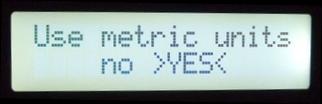
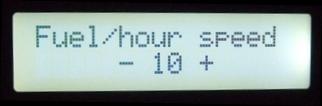
| Display configuration | |
|---|---|
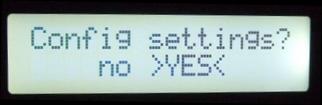
Select yes or no to enter the config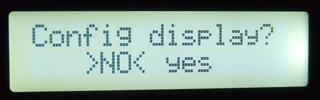 |
 |
 |
 |
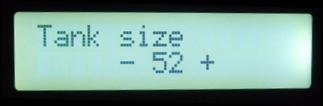
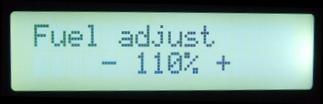
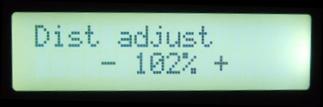
| Settings configuration | |
|---|---|
 |
 |
 |
 |
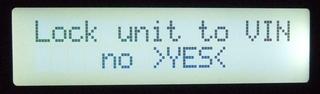 |
|
| Screen configuration | |
|---|---|
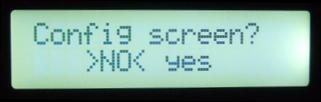 |
From screen 1 corner 1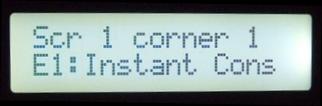 |
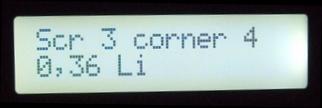
| Display toggles every second between the description and the live value 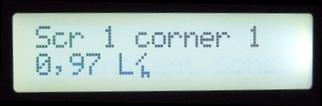 |
To screen 3 corner 4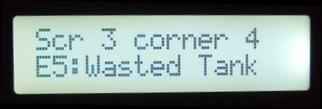 |
 |
|